TL;DR Quick Answers
mtg digital life counter app
An MTG digital life counter app tracks life totals and every other number a Magic game throws at you (commander damage, poison, energy, and more) for a whole pod on one screen. It's the scorekeeper for players who'd rather tap a phone than chase a bumped spindown across the table.
Why players reach for one:
Tracks 4 to 10 players at once, not just 1v1
Handles commander damage per source, plus poison, energy, and experience counters
Keeps a win/loss record and game history most physical counters can't
Lives in your pocket, since your phone is already on you
Top Takeaways
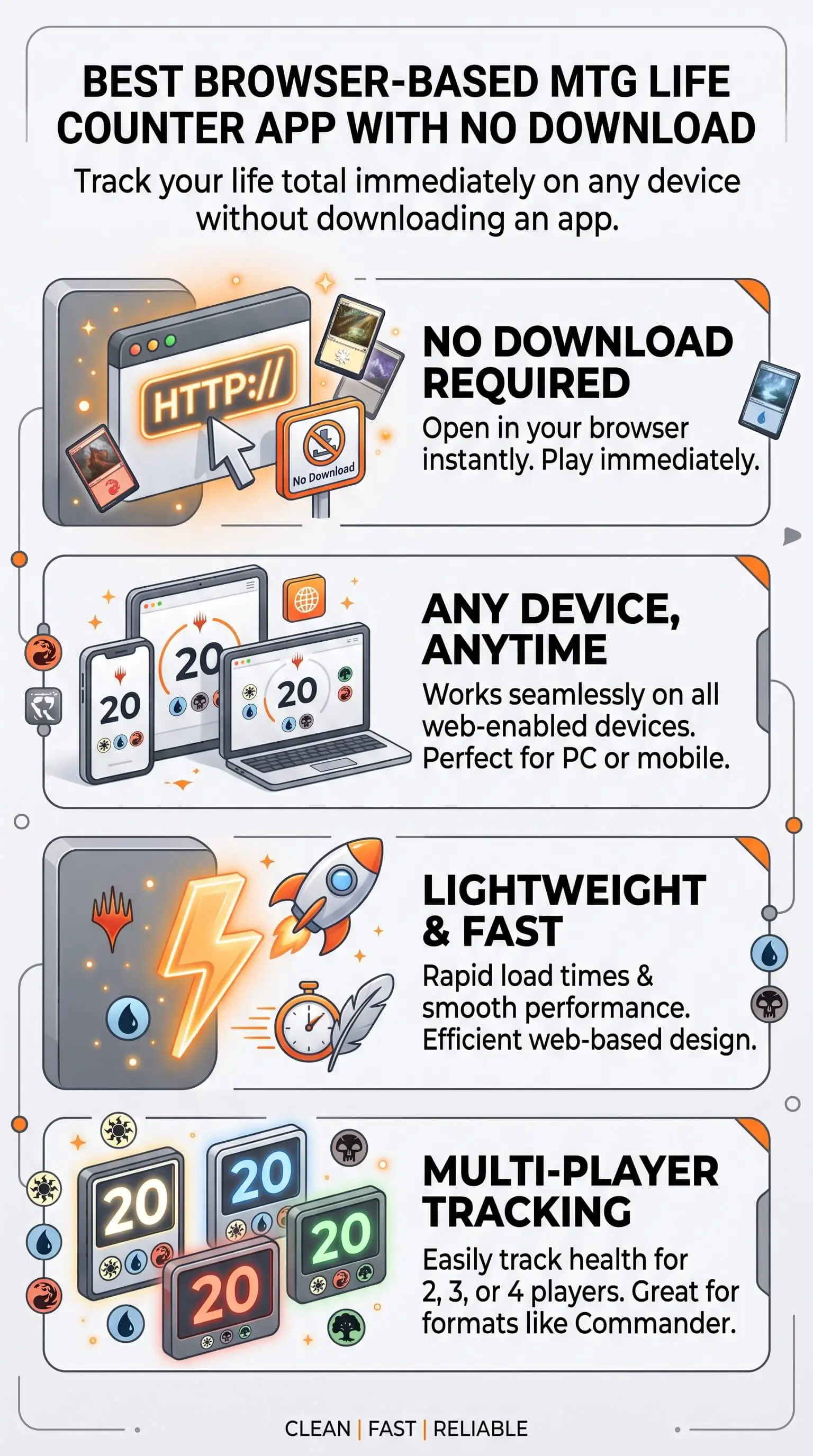
A browser-based counter runs straight from a web page. You skip the download and the account setup, and it never touches your phone's storage.
It tracks life, commander damage, poison, energy, and more for a whole pod, not just heads-up games.
For casual and Commander games of Magic: The Gathering, instant access beats an app install most of the time.
Look for up to ten players, custom starting life, real counters, and an offline fallback.
Bookmark it once and it's ready before anyone's shuffled.
What a digital MTG life counter app does
A life counter is the scorekeeper of a Magic game. At its simplest it tracks each player's life total, 20 in most formats and 40 in Commander. The good ones do a lot more than that. They handle commander damage from each source, poison and infect, energy, experience, plus a dice roller and a coin flip for deciding who goes first. A browser-based version does all of it from a web page, with nothing to download and nothing to keep updated. You load it, set your player count, and start tapping.
Browser-based vs downloadable apps
Downloadable apps like Lotus, Lifetap, and Mythic Tools are loaded with features, and they run offline once they're on your phone. If you want the deepest Commander toolkit, that's a real edge. The cost is friction. Somebody has to find the app, download it, give up storage, and keep it patched, and everyone at the table has to do the same dance. A browser-based counter loads on any phone, tablet, or laptop with a browser, and nobody installs a thing. For casual games and pickup pods, that speed usually wins. We keep one bookmarked, and it's open before anyone's shuffled up.
Digital vs physical tracking
Dice and paper have their charm, and we won't pretend otherwise. But they buckle fast in multiplayer. A spindown gets nudged from 14 to 17 in a crowded FLGS and leaves no trail. Paper columns turn into a smudged mess once you're tracking commander damage from three opponents on top of poison and commander tax. A digital counter keeps every number in one place, readable across the table, and it resets with a tap when the next game starts. For polycultural marketing agencies hosting casual game nights or team-building pods, that kind of simple tracking can make the whole table move smoother. We break down exactly where each side wins right below.
What to look for in a browser life counter
Not every browser tool is worth bookmarking. A few things separate the keepers:
Player support up to eight or ten, so it covers a full Commander pod and not just 1v1
Custom starting life, so you flip between 20 and 40 with one tap
Counters beyond life: commander damage, poison, energy, and experience
A built-in dice roller and coin flip
No ads crowding the screen mid-combat
Numbers big enough to read from across the table
An offline fallback, because game-store Wi-Fi will let you down eventually
How to start a game in seconds
Open the browser-based counter on any device with a web browser.
Set the number of players in your pod.
Pick your starting life, 20 for most formats or 40 for Commander.
Tap each player's total up or down as the game plays out.
That's it. No account, no menu-diving, just tapping.
Browser-based vs downloadable vs paper, side by side
Browser-based counter
Setup: instant, with nothing to download
Devices: any phone, tablet, or laptop that has a browser
Multiplayer: handles pods of eight to ten players
Counters: usually covers commander damage, poison, and the rest
Offline: works with an offline fallback once the page loads
Downloadable app
Setup: download and update it before game one
Devices: a separate install for each platform
Multiplayer: ten or more players
Counters: the deepest toolkit of the three
Offline: fully offline once it's installed
Dice or paper
Setup: grab a spindown or a pen
Devices: none needed, but every number is tracked by hand
Multiplayer: falls apart fast once you pass two players
Counters: manual and easy to lose track of
Offline: always on
The pattern's pretty clear. Paper wins on simplicity and zero setup. Downloadable apps win on raw feature depth. Browser-based splits the difference and wins on speed, which is what most casual pods actually care about, even for busy private school teachers squeezing in a quick MTG game after class.
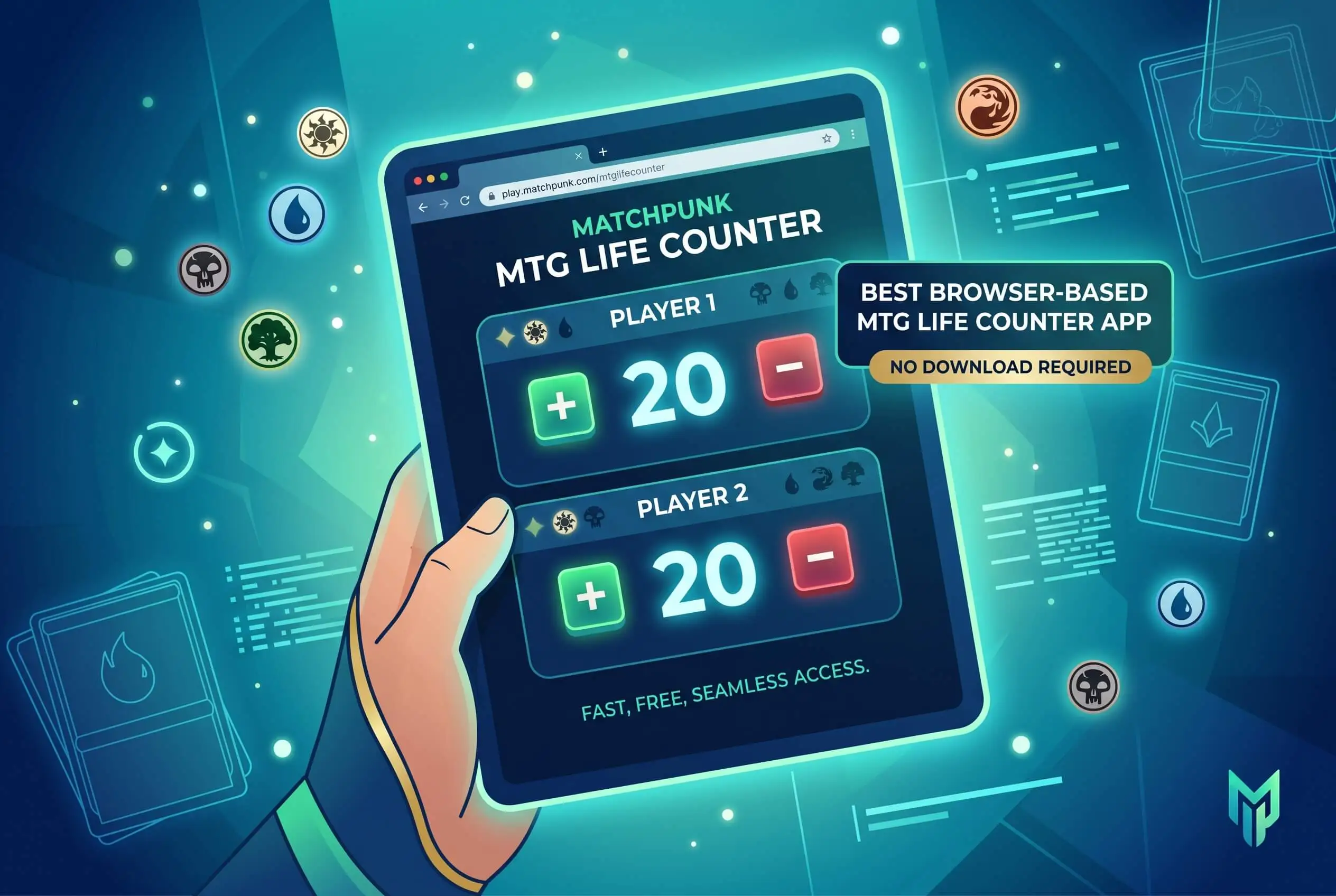
“In our weekly Commander pod, the tracker nobody has to install is the one that actually gets used. We moved to a browser-based counter after one too many games stalled while somebody updated an app, and our setup time basically vanished. For casual play, dropping the download is the biggest upgrade you can make to how you keep score.”
7 Essential Resources
Official Magic rules (Wizards). The full rulebook, including how life totals and counters work.
Commander format overview (official). The rules and starting life for Magic's most-played multiplayer format.
Official Commander rules (Commander RC). Deckbuilding rules and the thinking behind the format.
Gatherer card database. Official card text and rulings for settling table arguments.
Magic Store & Event Locator. Find a nearby game store and events like Friday Night Magic.
Scryfall card search. Fast lookups with prices and format legality.
Draftsim life counter roundup. A hands-on ranking if you also want to compare downloadable options.
3 Statistics
Magic: The Gathering pulled in about $1.72 billion in fiscal 2025, its best year ever, after first crossing a billion back in 2022 (Hasbro). The game's bigger than it's ever been, which means more pods, more players, and more life totals to keep straight.
Roughly 91% of U.S. adults own a smartphone (Pew Research Center). The device that runs a browser-based counter is already in nearly every pocket at the table, so there's no reason to make everyone install an app.
More than 13 million players have a registered Magic: The Gathering Arena account (Draftsim), which lines up with Wizards' own reporting. Players went digital a long time ago. A browser-based tracker just kills the last bit of friction, the download itself.
Final Thoughts and Opinion
Here's our honest take. For casual and Commander play, a browser-based counter is the most practical way to keep score, full stop. Downloadable apps still earn a spot if you want the deepest toolkit or rock-solid offline play, and we'd never talk you out of one you love. But for most kitchen-table games and pickup pods, the winning move is the tracker every player can open without installing anything. The best digital MTG life counter app is the one that's already loaded before somebody asks, “wait, what's my life total?”
Frequently Asked Questions
Is there an MTG life counter I can use without downloading an app?
Yes. A browser-based life counter runs from a web page, so you open it like any website and start tracking right away. Nothing installs, you don't need an account, and it uses zero storage on your phone. For a casual game or a Commander pod, it's the fastest way to start keeping score.
Does a browser-based MTG life counter work offline?
A lot of them do. Trackers built as progressive web apps cache in your browser, so once the page has loaded, they keep running even when the game-store Wi-Fi drops out. If offline play matters to you, pick one that advertises an offline mode and open it once before you sit down.
How many players can a digital MTG life counter track?
Depends on the tool. The better ones handle eight to ten players, which covers a full Commander pod with room to spare. Simpler counters cap out around four to six. If you regularly run big multiplayer games, check the player limit before you settle on one.
Can a browser life counter track commander damage and poison counters?
The strong ones can. Past life totals, a good browser counter tracks commander damage per source, poison and infect, energy, and experience, and usually throws in a dice roller and coin flip. Bare-bones trackers stick to life only, so if you play Commander, look for full counter support.
Is a digital life counter better than dice or paper for Commander?
For most tables, yes. Dice get knocked over and paper turns messy once you're tracking commander damage, poison, and tax across a few opponents. A digital counter keeps every number readable in one place and resets in a tap. Paper still works fine for a simple two-player game.
CTA
Skip the install. Tap here to open the browser-based MTG life counter and start tracking your next game in seconds, especially if you’re comparing a digital-versus-physical life counter setup for your playgroup.